My blog about philosophy, coding, and anything else that interests me.
History of post ‘New Landing Page and Navbar Design’
Versions are sorted from most recent to oldest with the original version at the bottom. Changes are highlighted relative to the next, i.e. older, version underneath. Only changed lines and their surrounding lines are shown, except for the original version, which is shown in full.
Revision 1 · · View this (the most recent) version (v2)
Describe images for screen readers and search engines.
@@ -2,13 +2,13 @@ My sister designed a logo for [fallible.fun](https://www.fallible.fun/) and it looks awesome. It's featured on the new landing page:-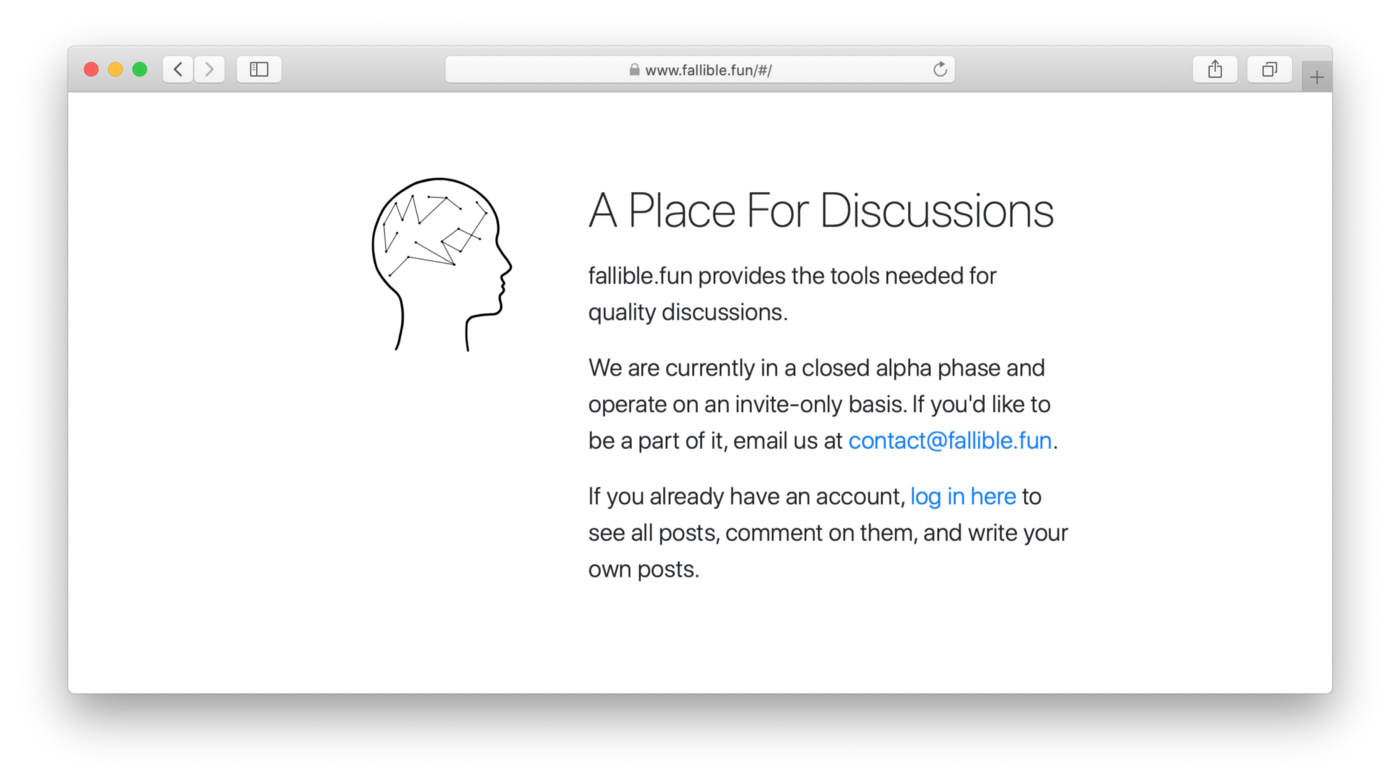+ How cool is that logo? And I redesigned the navbar. It is now only visible on in the standard Bootstrap collapsed style on mobile, and on screens larger than mobile I replaced it with a sidebar. I wanted it to sort of visually disappear when you don't need it so you can focus on the post you're reading:-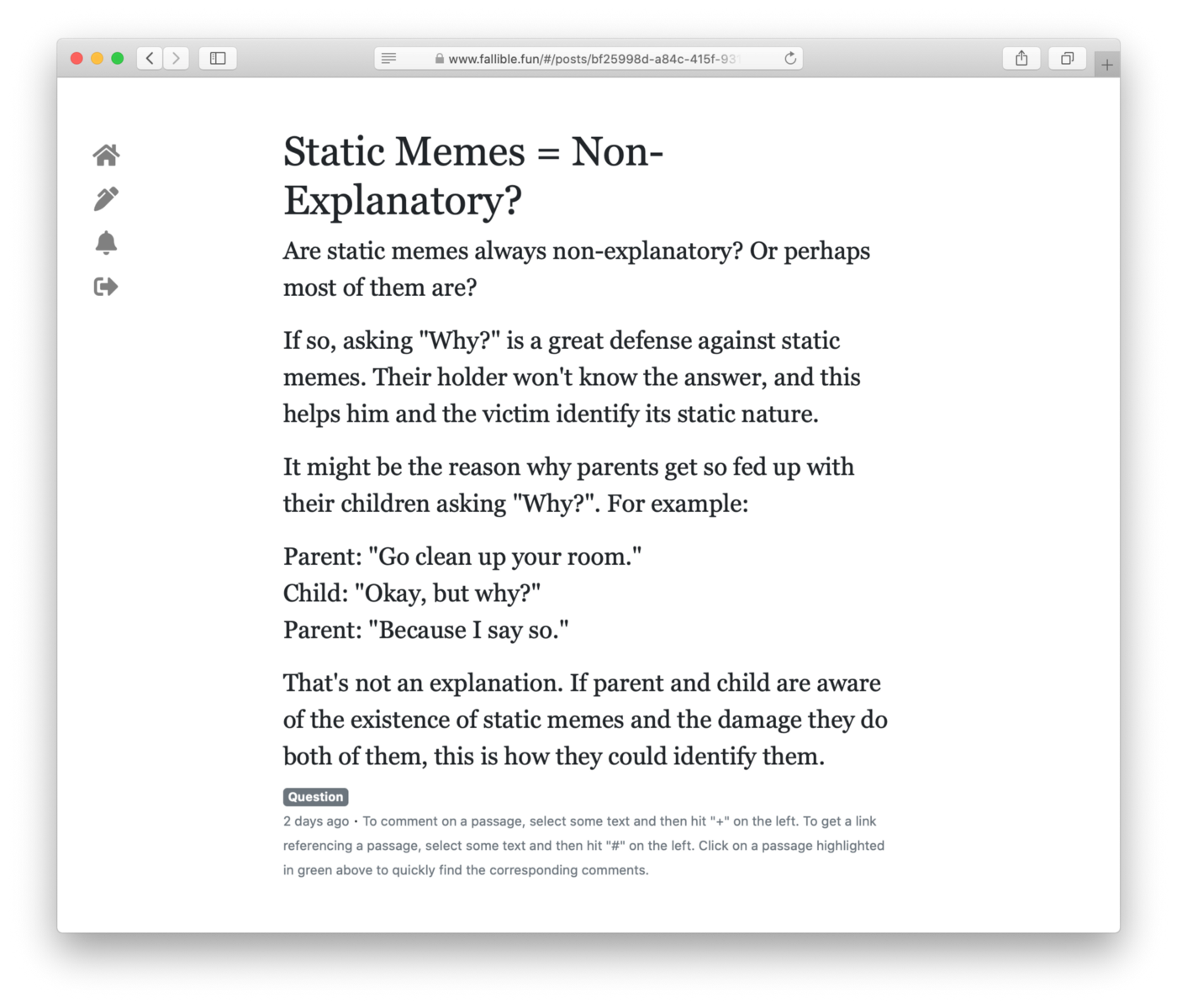+ It's the sidebar on the left. @@ -16,7 +16,7 @@ That's it. It's there if you need it, but otherwise it's just about you interact The text corresponding to each sidebar item appears when it corresponds to the current page, and as you over it:-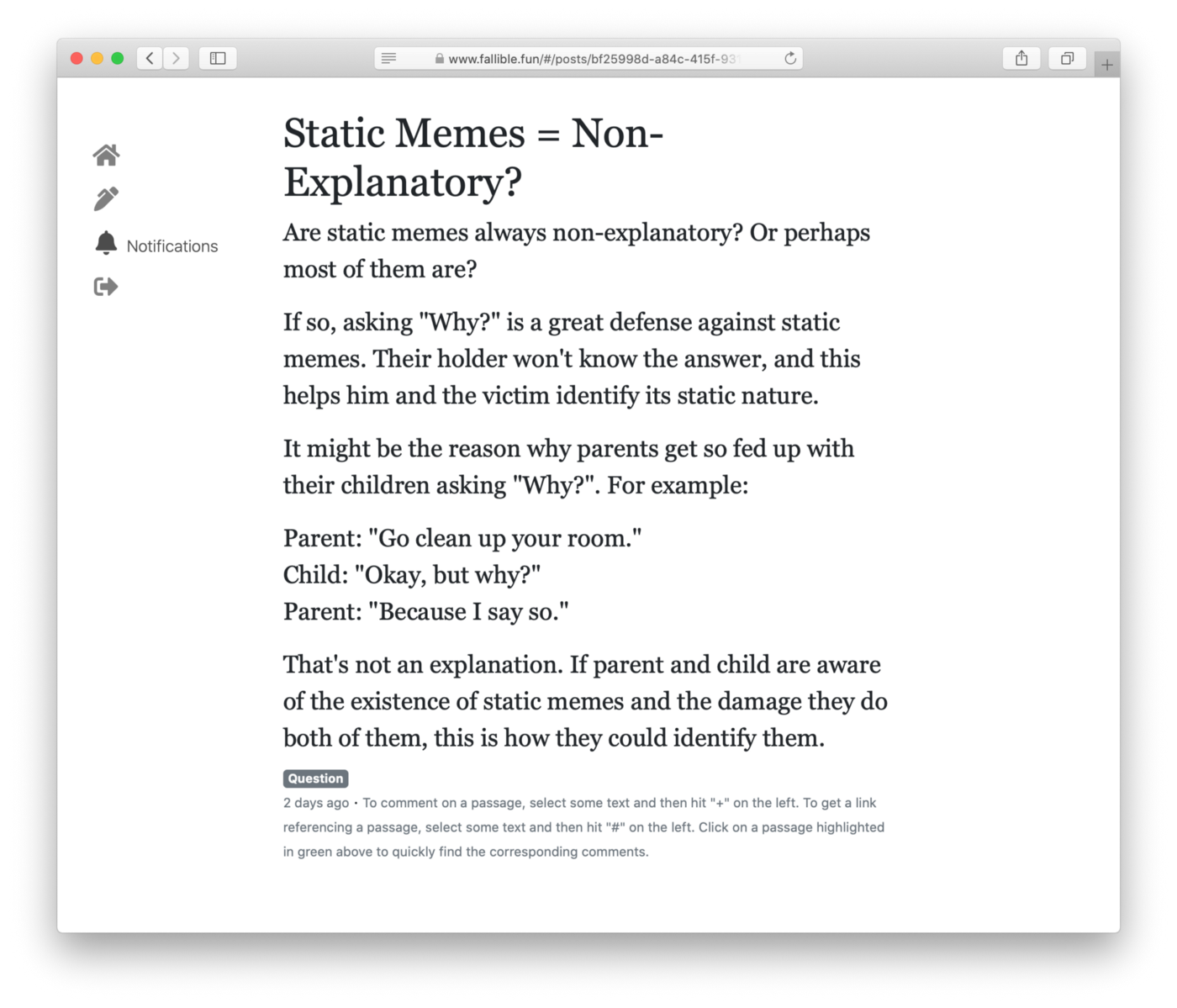+ You can't see the cursor there because it's a screenshot, but it's hovering over the notifications item in the sidebar. The same text appears without hovering when you are on the notifications page.
Original · · View this version (v1)
# New Landing Page and Navbar Design My sister designed a logo for [fallible.fun](https://www.fallible.fun/) and it looks awesome. It's featured on the new landing page:  How cool is that logo? And I redesigned the navbar. It is now only visible on in the standard Bootstrap collapsed style on mobile, and on screens larger than mobile I replaced it with a sidebar. I wanted it to sort of visually disappear when you don't need it so you can focus on the post you're reading:  It's the sidebar on the left. That's it. It's there if you need it, but otherwise it's just about you interacting with the text in front of you. The text corresponding to each sidebar item appears when it corresponds to the current page, and as you over it:  You can't see the cursor there because it's a screenshot, but it's hovering over the notifications item in the sidebar. The same text appears without hovering when you are on the notifications page. *If you enjoyed this article, [follow me on Twitter](https://twitter.com/dchackethal) for more content like it.*